

Topic starter
28/09/2025 3:19 am
HiFleet’s Chartering AI ( https://www.hifleet.com/mycharter , APP 5.4.133) is your intelligent chartering assistant.Powered by large-model technology, it:
-
Organizes open tonnage and cargo emails automatically
-
Enables fast, precise search of tonnage and cargo offers
-
Lets you publish tonnage and cargo instantly
Whether you are an owner, charterer, operator, or broker, Chartering AI helps you save time and close deals faster.
1. Why Use Chartering AI?
-
Tired of email overload? Get hundreds of tonnage and cargo offers sorted automatically.
-
Need fast search by port or region? Find vessels and cargo filter by region or port and its nearby.
-
Worried about fake offers? Senders are tagged as Owner, Operator, etc. for easy verification.
-
Unclear on vessel risk or speed performance? Each vessel is labeled with PSC/Sanctions risks and comes with track history and speed analysis.
2. Quick Start
-
Register or log in with your HiFleet account.
-
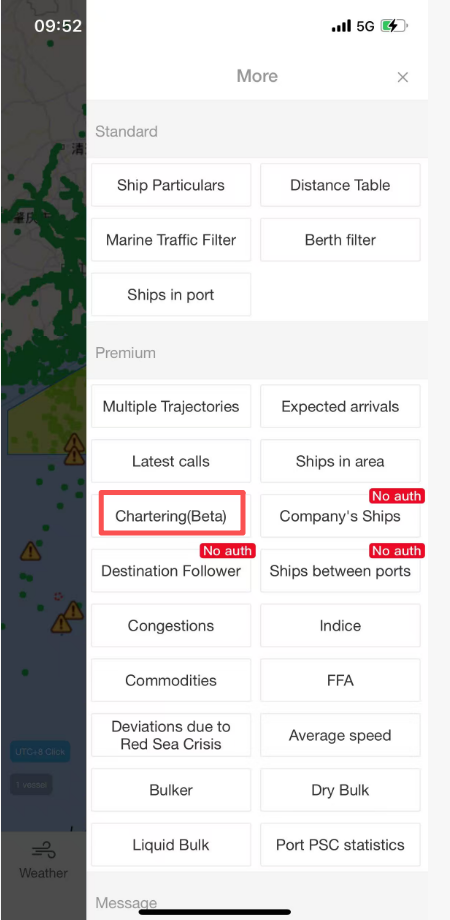
From the homepage, go to “Chartering”.
3. Two Ways to Manage Your Cargo & Tonnage
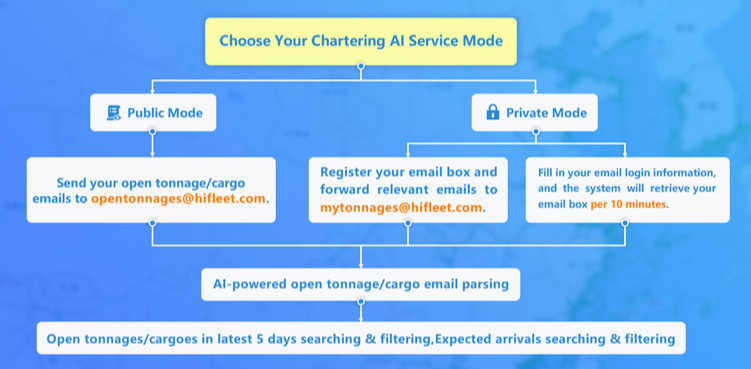
🔓 Public Mode
-
Why go public? Boost your exposure to HiFleet’s large user base of owners, charterers, shippers, and brokers.
-
How to join?
-
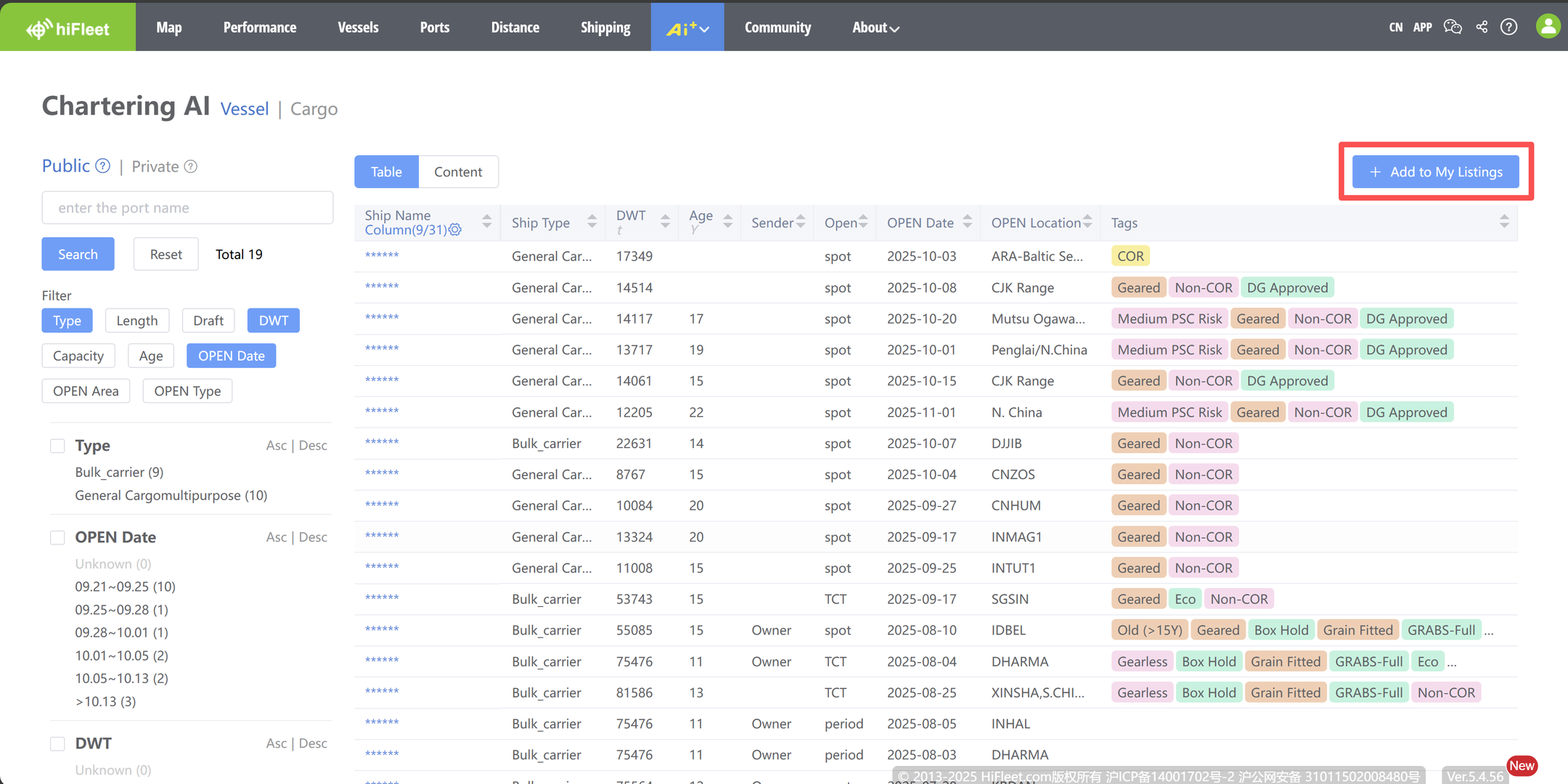
Go to the Public page → click “Add My Tonnage/Cargo”
-
Register your sending email
-
Forward your offer email to opentonnages@hifleet.com
-
Once parsed, your offer appears in the Public List
-
💡 Tip: Each public posting earns 245 points, unlocking 5 other public postings.
🔒 Private Mode
-
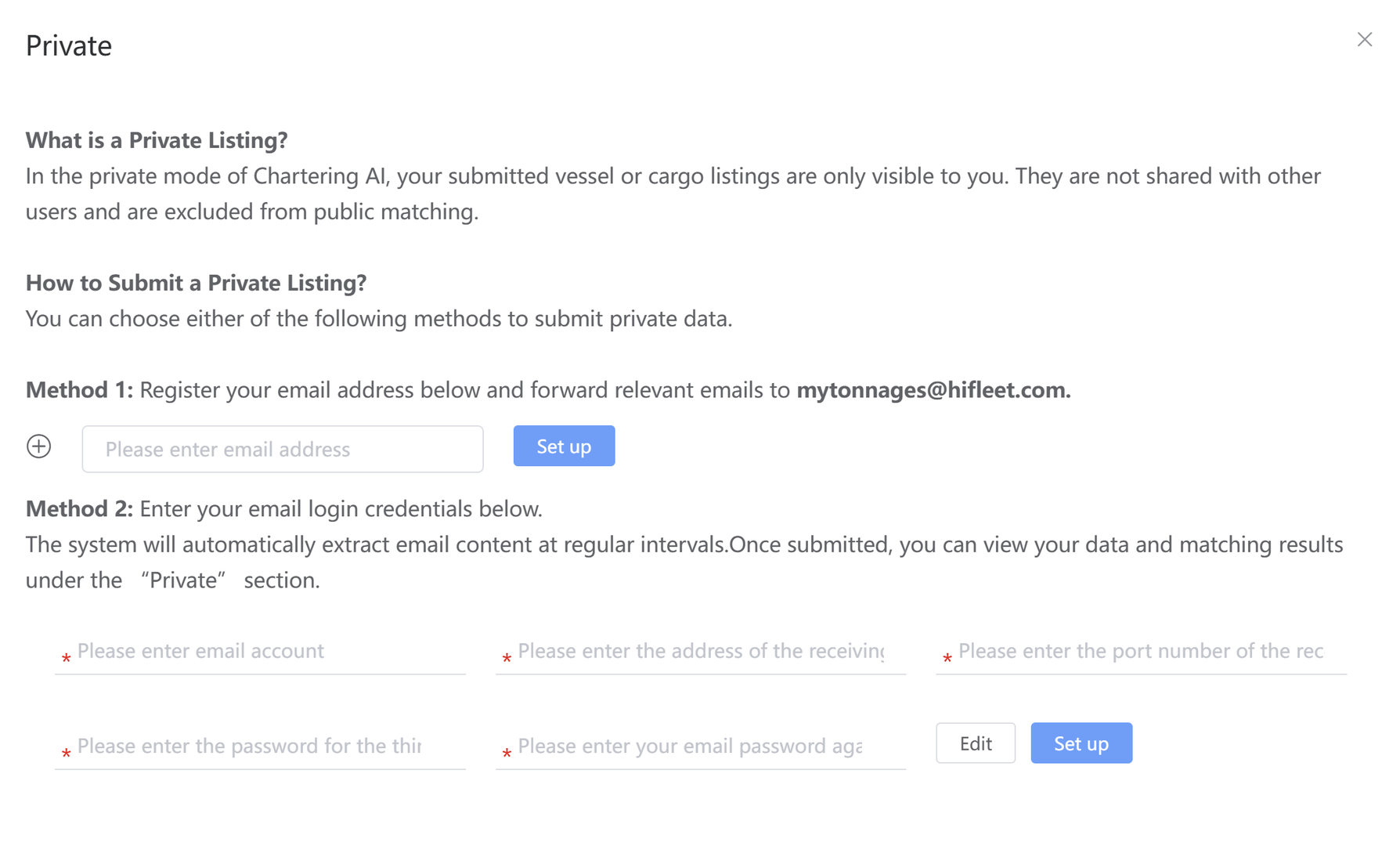
Why private? Keep sensitive deals confidential, visible only to you.
-
How to join?
-
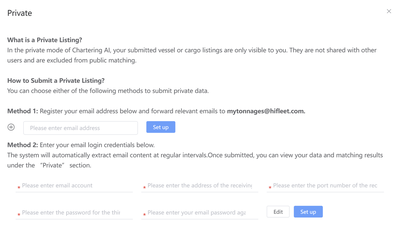
Option A: Register email → forward to mytonnages@hifleet.com
-
Option B: Provide email login info → system auto-extracts content periodically
-
-
Processed data will show in your Private List.
4. Powerful Features at Your Fingertips
For Tonnage
-
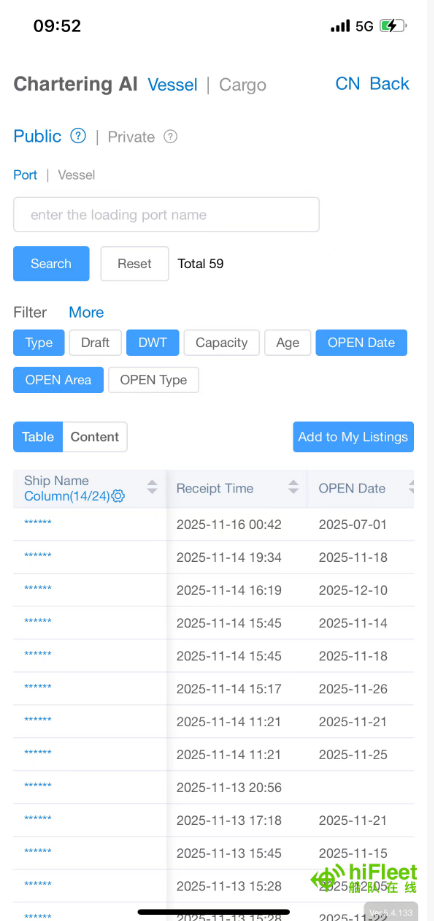
Filter by vessel type, draft, DWT, cubic, age, open date/area, charter type, etc.
-
Search by port and nearby ports
-
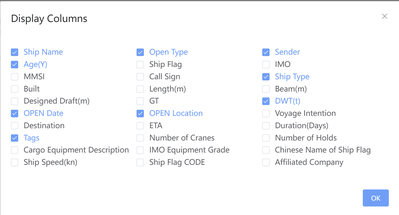
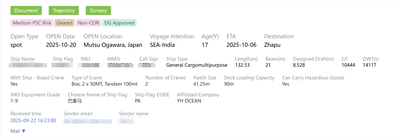
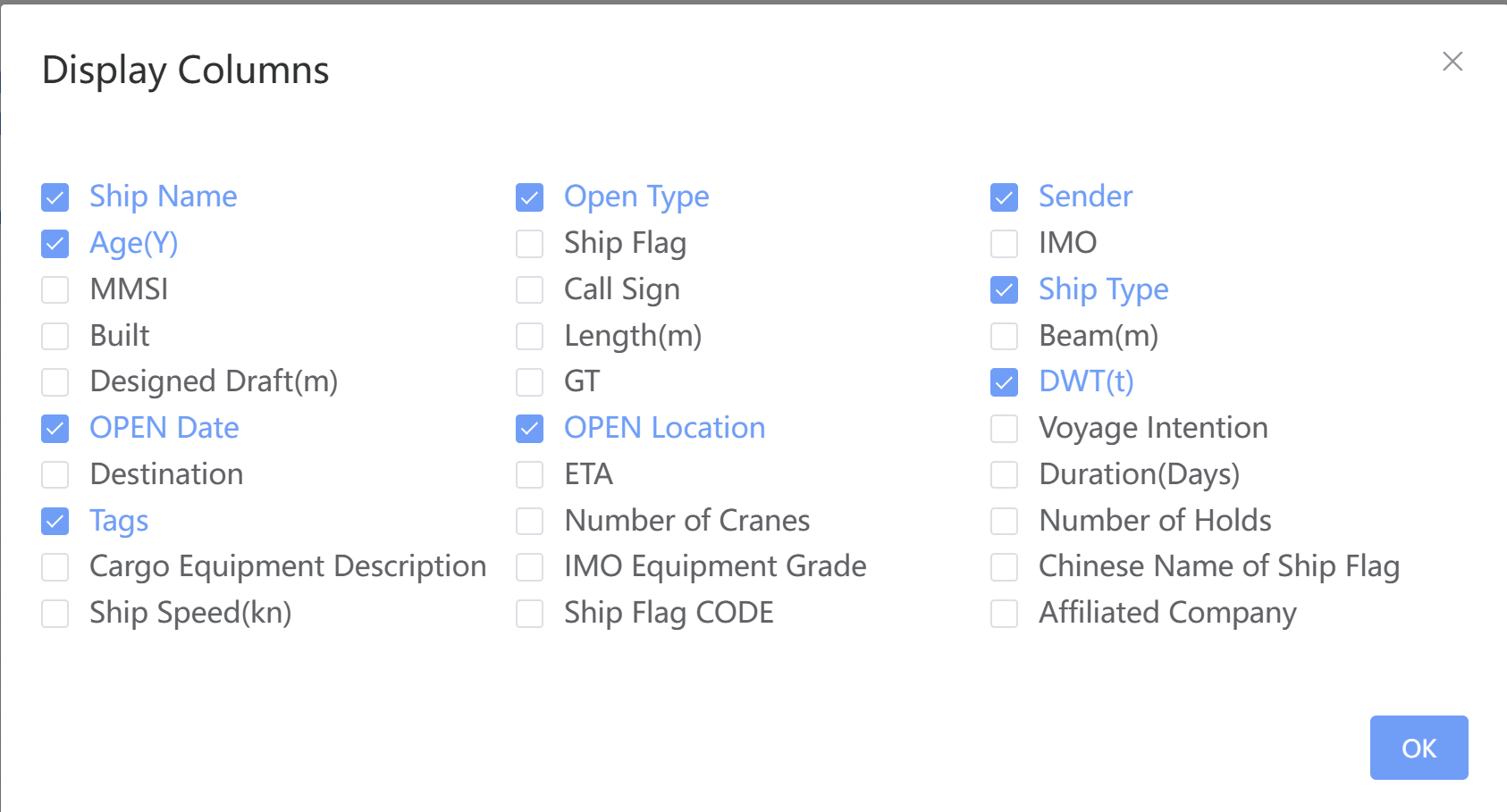
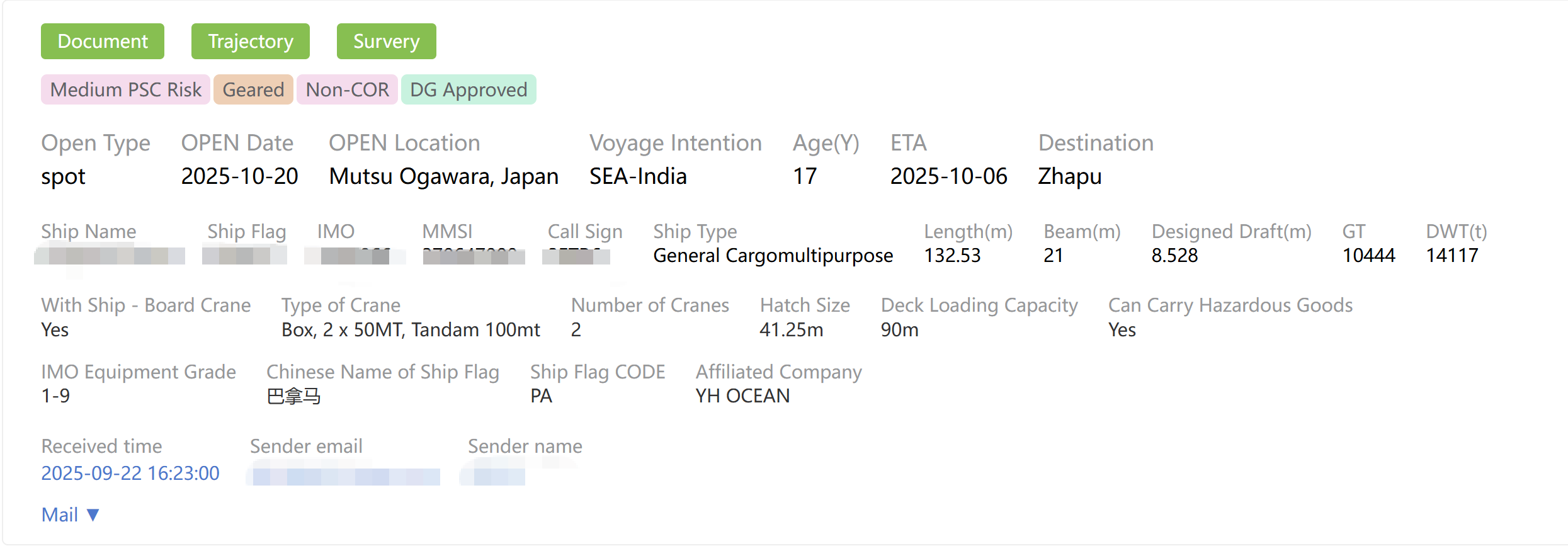
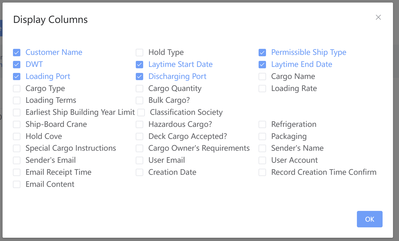
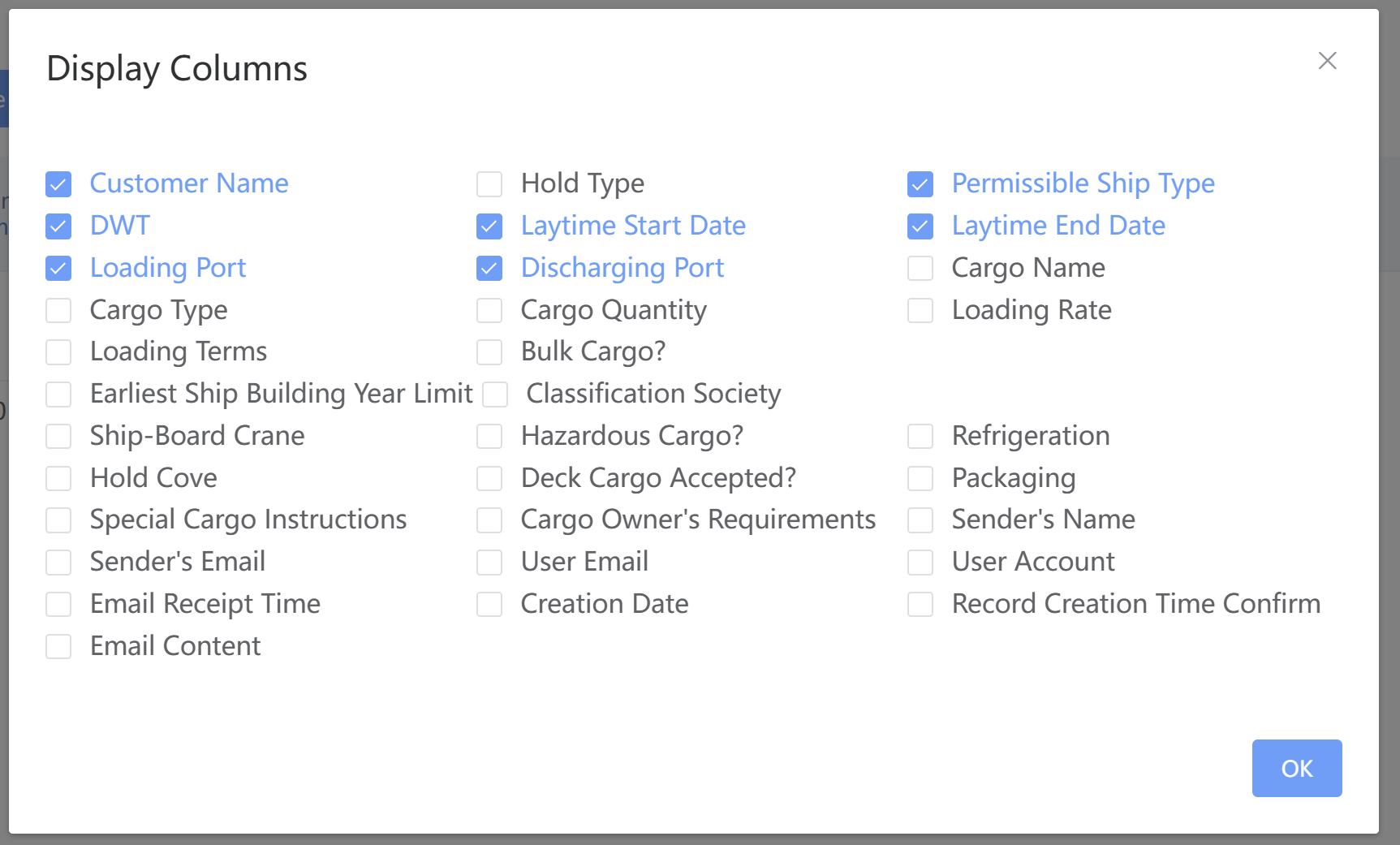
Clear display: vessel basics + full email + customizable columns
-
Tagged insights: gear, hatch strength, eco data, reefer/DG/firefighting, PSC & sanctions risk
-
One-click vessel profile, voyage history, and inspection contact
For Cargo
-
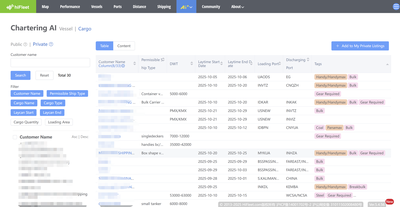
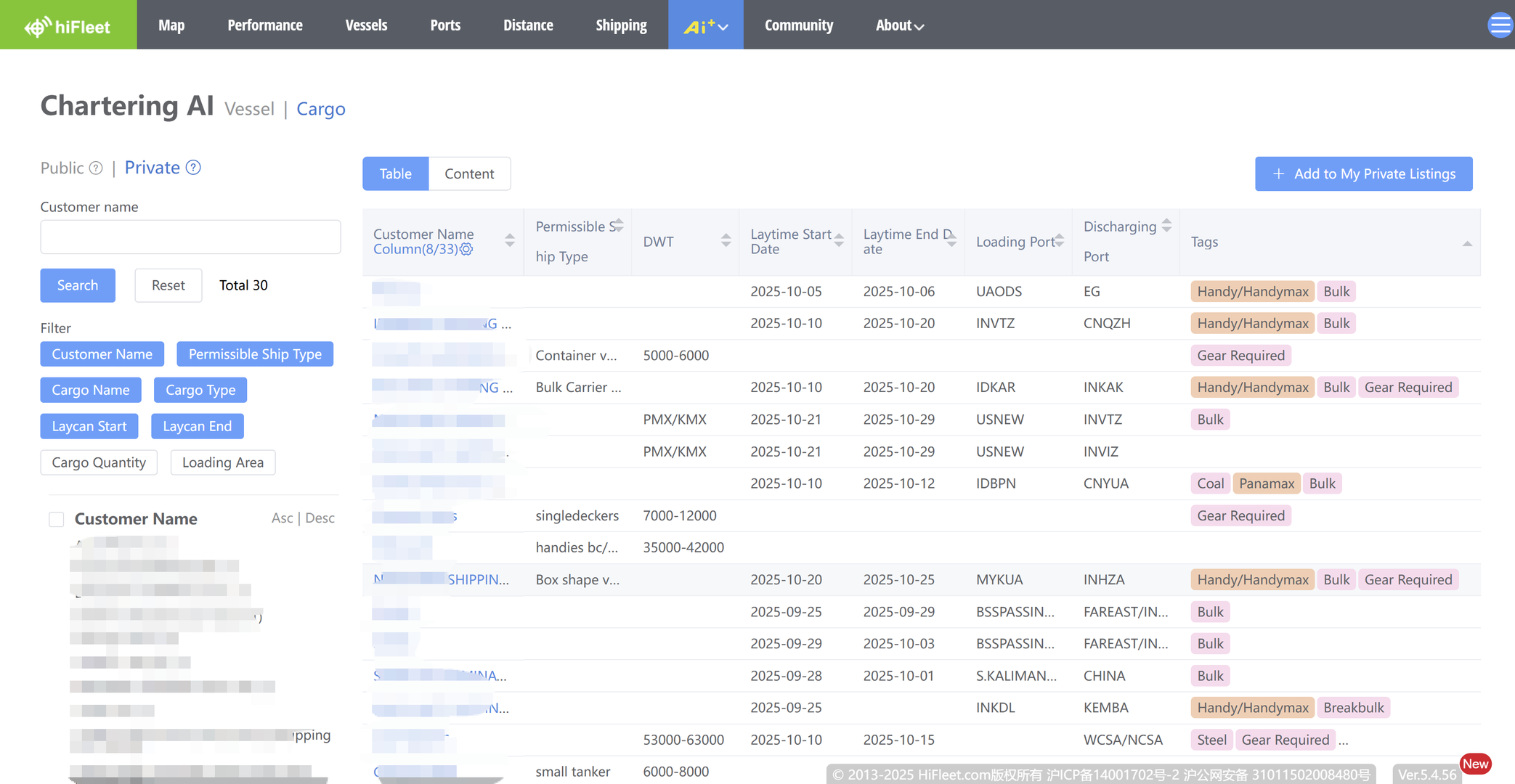
Filter by client, vessel type, cargo type, laycan, quantity, loading area, etc.
-
Search by vessel name or open port
-
Clear display: client, requirements, laycan, load/discharge ports + customizable columns
-
Tagged insights: cargo type, vessel needs, packaging, gear requirements
5. Pricing
-
Public Mode: Free to publish. Viewing others’ postings costs points (earned via your own postings or purchased).
-
Private Mode: Currently free. Future: may charge per email/month based on email volume — or remain free.
6. Summary
Chartering AI combines Public + Private modes, smart filters, and tagged insights to deliver an efficient, secure, and cost-effective chartering experience.
👉 Log in to HiFleet today and start your smart chartering journey!
Important Notice
HiFleet Chartering AI is a service tool for owners, charterers, operators, and brokers.
We guarantee that no private data will be disclosed, and no public/private postings will be used against users’ business interests.
Topic starter
16/11/2025 1:55 am
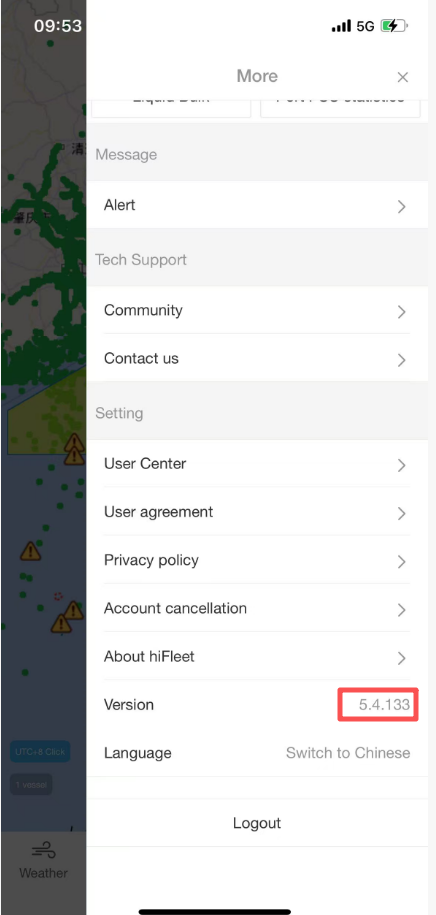
Chartering AI has been launched on APP 5.4.133.
This post was modified 12 months ago by hifleet
Topic starter
29/11/2025 9:18 am
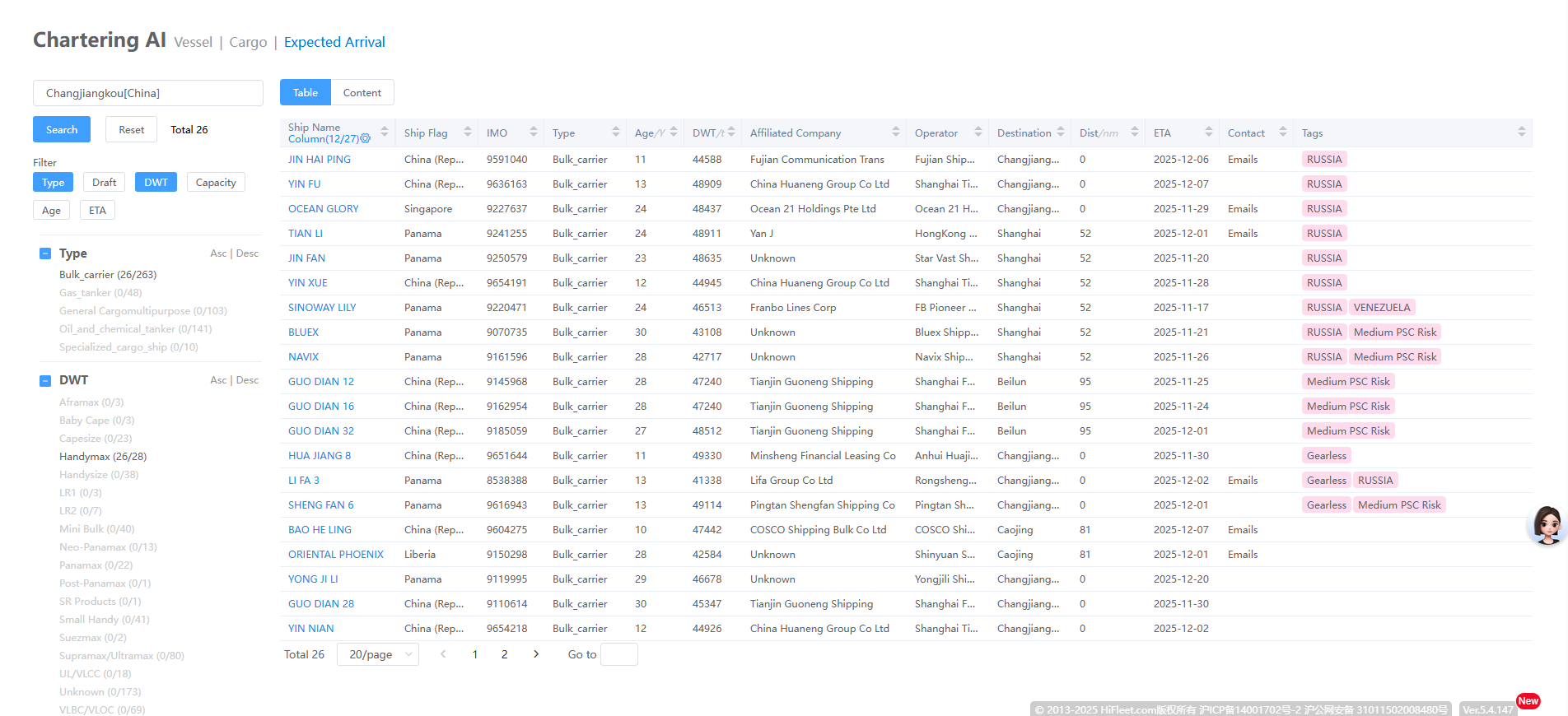
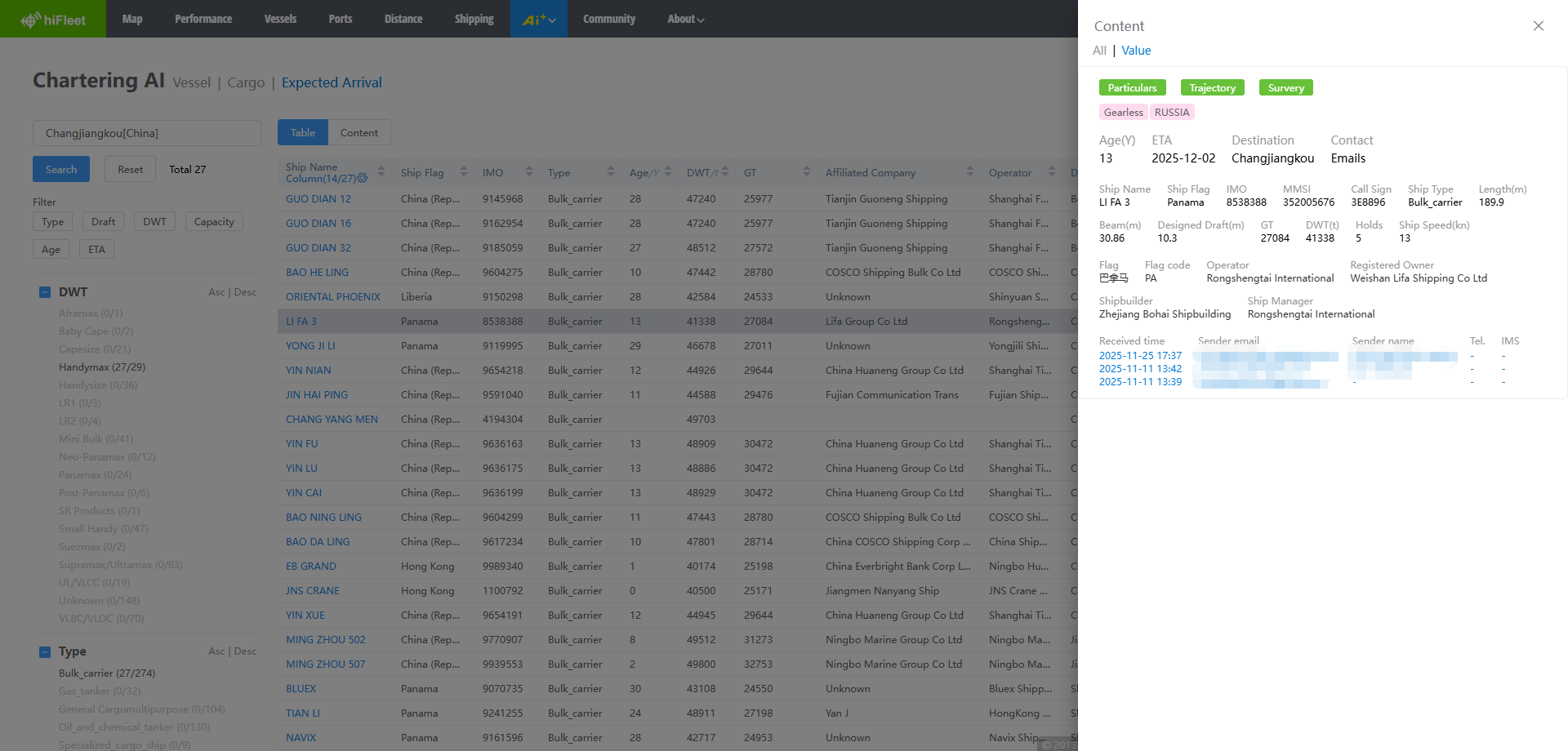
Note: Users can directly view the vessel contact information they have received, but do not have the permission to access the private vessel contact information received by other users. Users may view all public vessel contact information by paying with points.
This post was modified 11 months ago 2 times by hifleet